Useful tools for Apple ecosystem
I have been using Apple technology since 2006. I still remember getting white MacBooks for my wife and myself. The MacBooks run OS X, it’s GUI and way of working with files and apps was completely new to me. Since then, I have switched to the Apple ecosystem completely: using Windows, ChromeOS, Linux and Android only for specialised tasks or simply when an App only runs on Windows.
macOS tools I use and recommend!
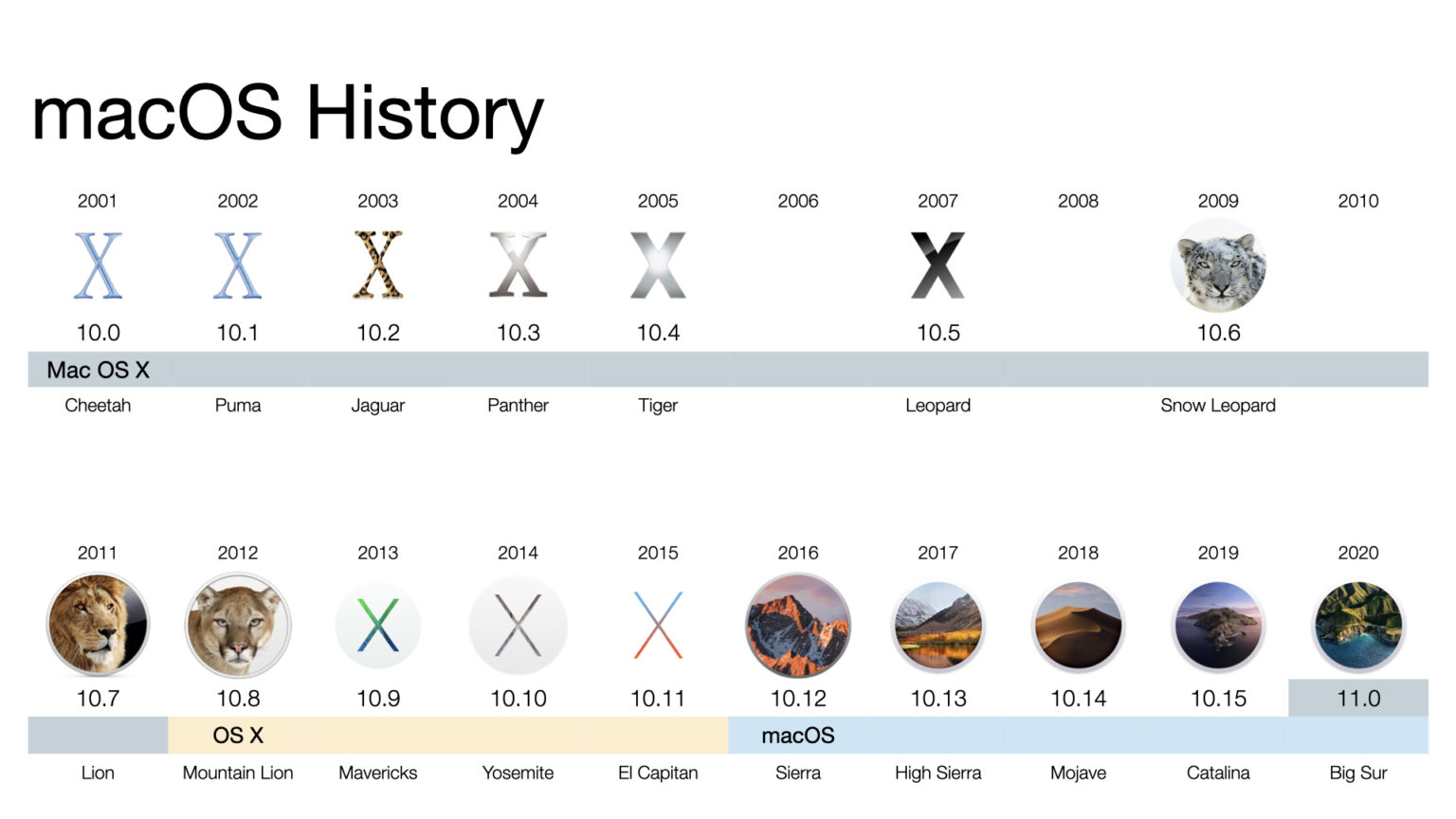
The macOS is a great and stable operating system. One of its greatest functions is the ability to extend it with Apps that fix or add functionality. The following are the ones I have tested, use and recommend:
- Raycast - one of the best apps I have ever used on any operating system.
- Bartender 5 - allows me to have compact menu bar to fit all icons I need, and quickly access those I need less but still sit in the menu bar.
- Maccy - clipboard history. Download from the App Store.
- Dropover - shelf for files to work, copy and move.
- Shottr - the best screen-grabbing tool. I also use it to copy text from the screen.
- BrightIntosh - On supported display, increase the brightness beyond what macOS allows normally. I ahve used this in bright summer midday.
- Magnet - snapping windows to predefined positions.
- Hazel from Noodlesoft - the best bot for handling files in directories. I use it to automatically sort downloaded bank statements to appropriate directories.
- Cardhop & Fantastical from Flexibits - the best contact management and calendar applications.
- Latest - a free utility that scans all installed software, shows you which ones have existing updates and allows you to update. Great time saver!
-
Parallels Toolbox - a set of some great tools assembled by the makers of Parallels Desktop:
- Transform text
- Focus on Window
- World Time
- Do Not Sleep
- Clean Drive
- Download Video - useful for downloading from YouTube
- Resize Image
-
iStat Menu - I can add online stats to the menu bar - for example network bandwidth used, CPU, RAM
- Only Switch
YouTube channels and other external content useful for Apple users
- Mac Vince - https://www.youtube.com/@macvince and his page showing the best apps he uses: https://bento.me/macvince
- Jeff Su - https://www.youtube.com/@JeffSu